
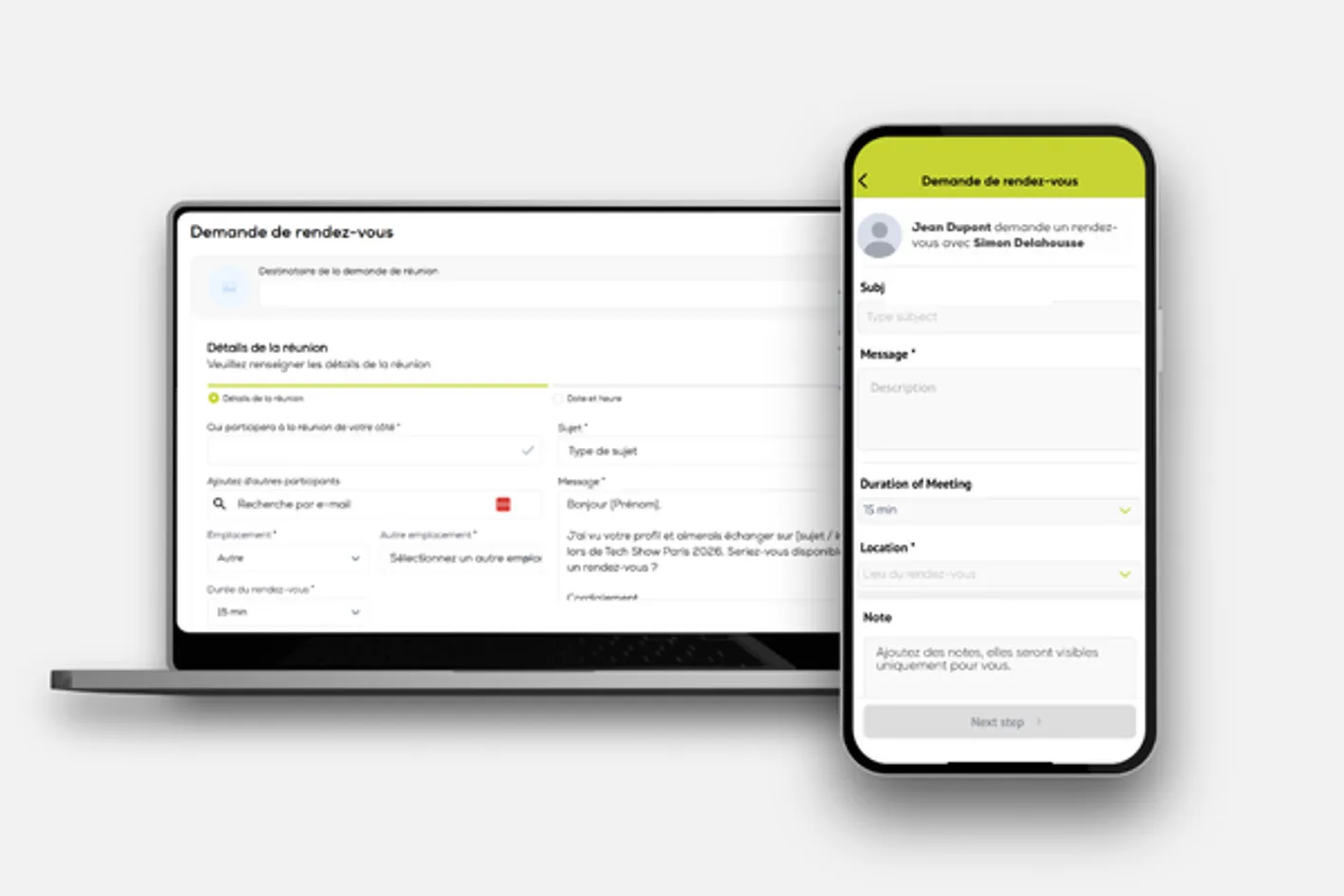
 Requesting MeetingsEach exhibitor badge holder will receive 80 meeting credits, which can be used to request meetings with profiles that match your interests. Exhibitors can view all VIP, Visitor, Press and Exhibitor badge holders. Speakers can request meetings with exhibitors; however, exhibitors cannot send meeting requests to speakers.
Click Request Meetings in the menu, select the Participants tab, and use the filters to narrow your search. We recommend favouriting your prospects before sending meeting requests to make the most of your meeting credits.
Theatre, Platinum, Gold and Silver sponsors will benefit from priority access, allowing them to send meeting requests before meeting scheduling opens to all other exhibitors.
Requesting MeetingsEach exhibitor badge holder will receive 80 meeting credits, which can be used to request meetings with profiles that match your interests. Exhibitors can view all VIP, Visitor, Press and Exhibitor badge holders. Speakers can request meetings with exhibitors; however, exhibitors cannot send meeting requests to speakers.
Click Request Meetings in the menu, select the Participants tab, and use the filters to narrow your search. We recommend favouriting your prospects before sending meeting requests to make the most of your meeting credits.
Theatre, Platinum, Gold and Silver sponsors will benefit from priority access, allowing them to send meeting requests before meeting scheduling opens to all other exhibitors.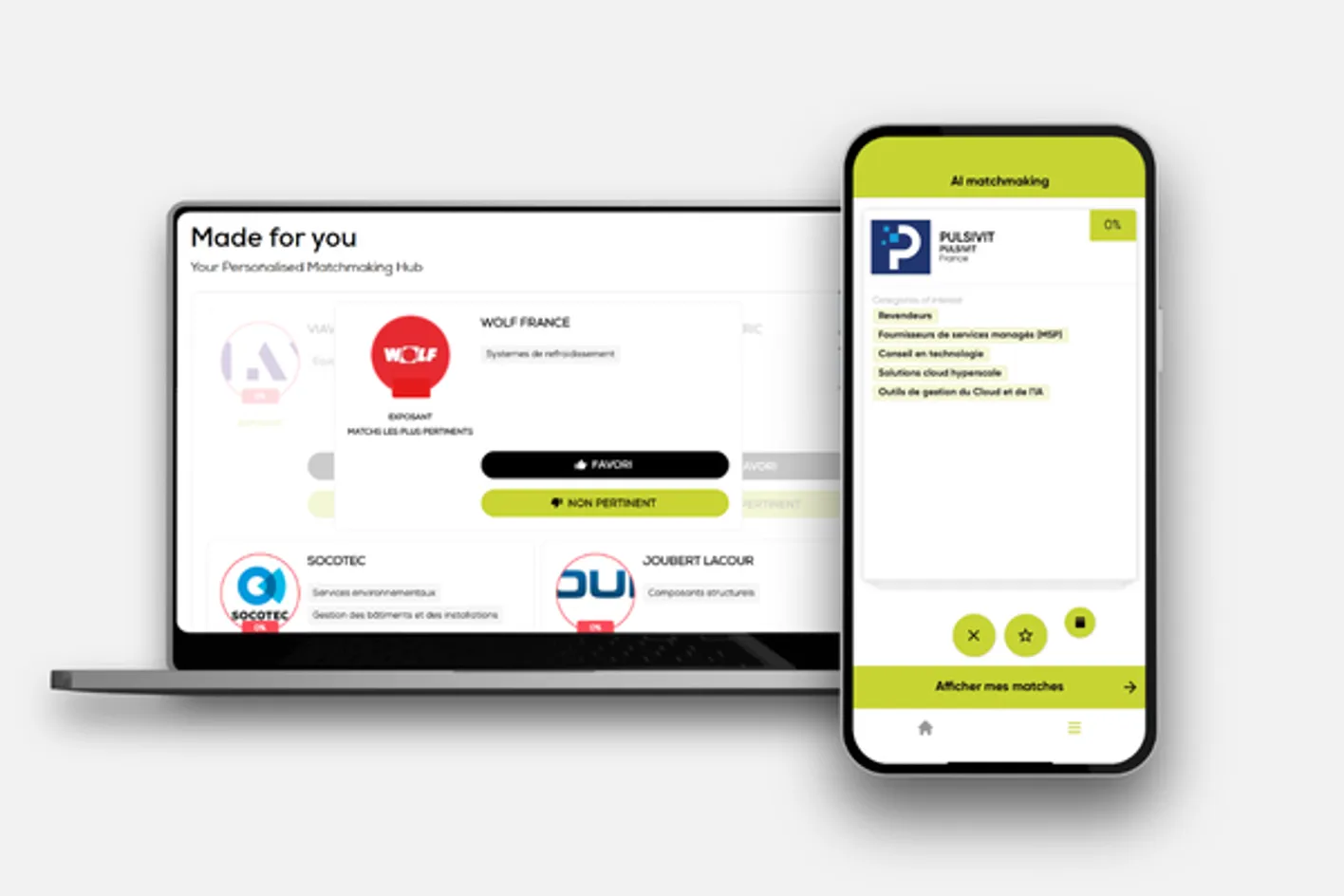 Matchmaking & AI RecommendationsMatchmaking:
Our AI-powered matchmaking tool suggests relevant attendee profiles you may wish to request meetings with. Suggestions are based on your activity on Connect at Tech Show Paris, including the profiles you search for, favourite or request meetings with. As you use the platform, your matchmaking suggestions will become increasingly tailored to your interests.
AI Recommendations:
AI Recommendations suggest conference sessions, speakers, products and exhibitors that may interest you, based on the information in your exhibitor profile.
Matchmaking focuses on helping you find relevant people, while AI Recommendations help you discover relevant event content and exhibitors.
Matchmaking & AI RecommendationsMatchmaking:
Our AI-powered matchmaking tool suggests relevant attendee profiles you may wish to request meetings with. Suggestions are based on your activity on Connect at Tech Show Paris, including the profiles you search for, favourite or request meetings with. As you use the platform, your matchmaking suggestions will become increasingly tailored to your interests.
AI Recommendations:
AI Recommendations suggest conference sessions, speakers, products and exhibitors that may interest you, based on the information in your exhibitor profile.
Matchmaking focuses on helping you find relevant people, while AI Recommendations help you discover relevant event content and exhibitors.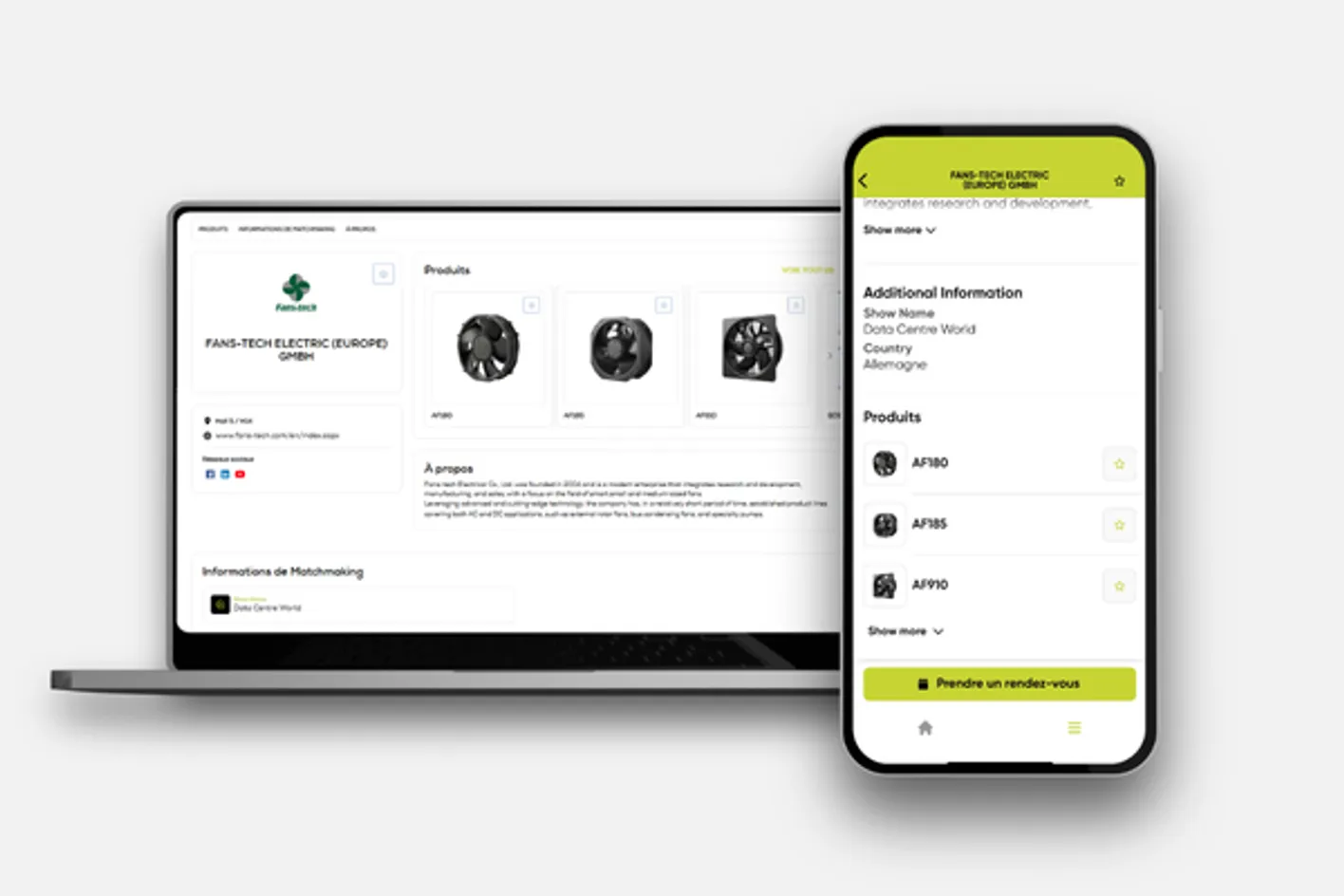 Exhibitor Product Demo & Stand Activations Make your profile stand out by adding product information and stand activations, including product demos, giveaways and competitions. Include clear timings so visitors can plan their visit. The most exciting activations will be featured in a visitor list, so liaise with your primary administrator to ensure your profile is complete.
New for Tech Show Paris, visitors and VIP badge holders can vote via the app for the Best Stand Experience Award. The winner will be announced at 15:00 on Day 2.
Exhibitor Product Demo & Stand Activations Make your profile stand out by adding product information and stand activations, including product demos, giveaways and competitions. Include clear timings so visitors can plan their visit. The most exciting activations will be featured in a visitor list, so liaise with your primary administrator to ensure your profile is complete.
New for Tech Show Paris, visitors and VIP badge holders can vote via the app for the Best Stand Experience Award. The winner will be announced at 15:00 on Day 2. 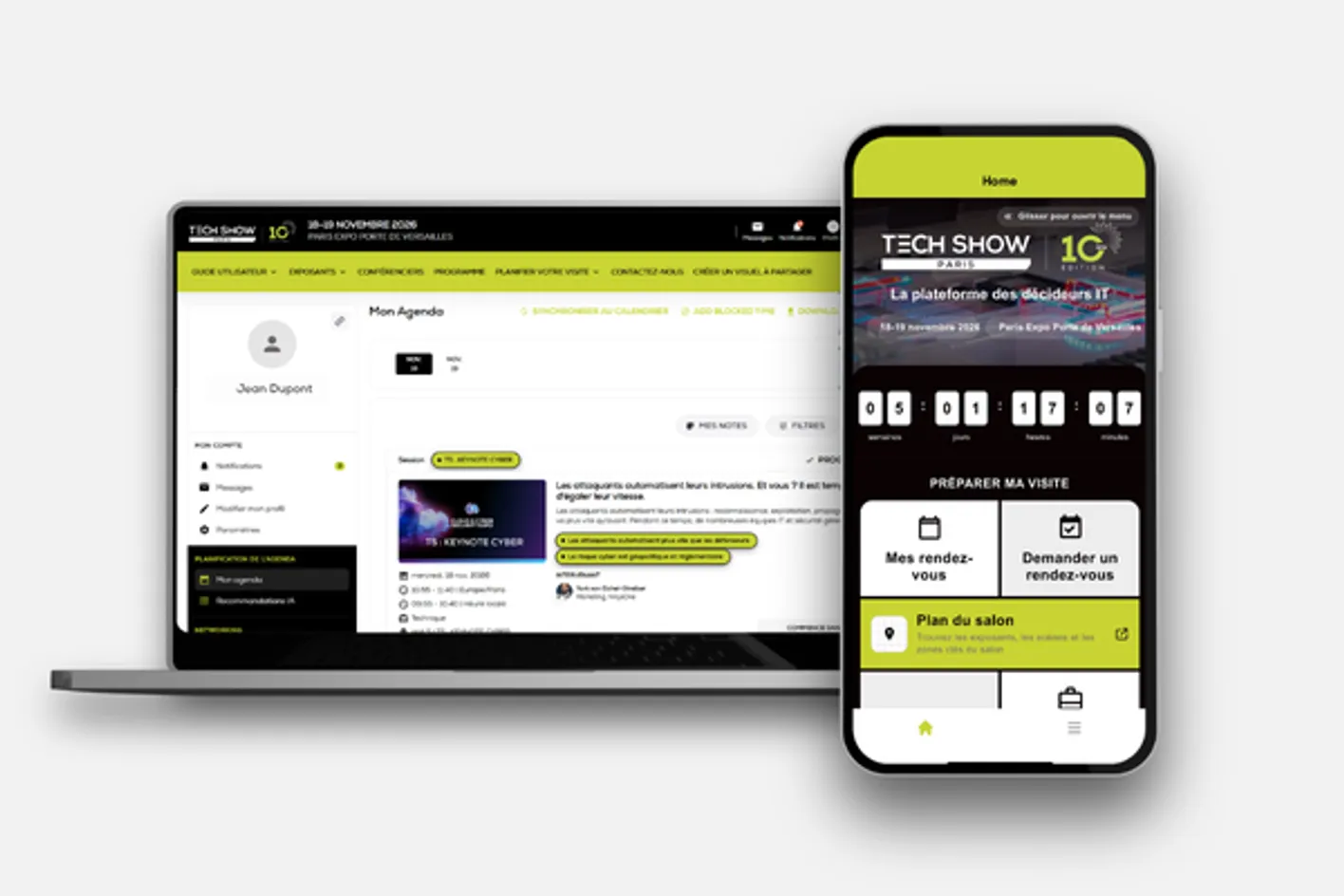 Summary of your benefitsYour exhibitor badge gives you access to the exhibition floor, conference sessions and dedicated networking opportunities. With Connect at Tech Show Paris, the official event planning and networking app, you can maximise your event experience by:
• Accessing the full list of visitors, exhibitors and speakers across all five co-located events.
• Using your 80 meeting credits to connect with registered attendees.
• Finding and filtering relevant prospects by job function, seniority, interests and more, then requesting meetings directly through the app.
• Managing your schedule with meeting reminders and calendar sync.
• Saving exhibitors to your favourites via the interactive floorplan.
As an exhibitor admin, you can also:
• Monitor your exhibitor profile activity.
• Track your team's meeting performance.
• Manage admin access for your team.
Summary of your benefitsYour exhibitor badge gives you access to the exhibition floor, conference sessions and dedicated networking opportunities. With Connect at Tech Show Paris, the official event planning and networking app, you can maximise your event experience by:
• Accessing the full list of visitors, exhibitors and speakers across all five co-located events.
• Using your 80 meeting credits to connect with registered attendees.
• Finding and filtering relevant prospects by job function, seniority, interests and more, then requesting meetings directly through the app.
• Managing your schedule with meeting reminders and calendar sync.
• Saving exhibitors to your favourites via the interactive floorplan.
As an exhibitor admin, you can also:
• Monitor your exhibitor profile activity.
• Track your team's meeting performance.
• Manage admin access for your team.