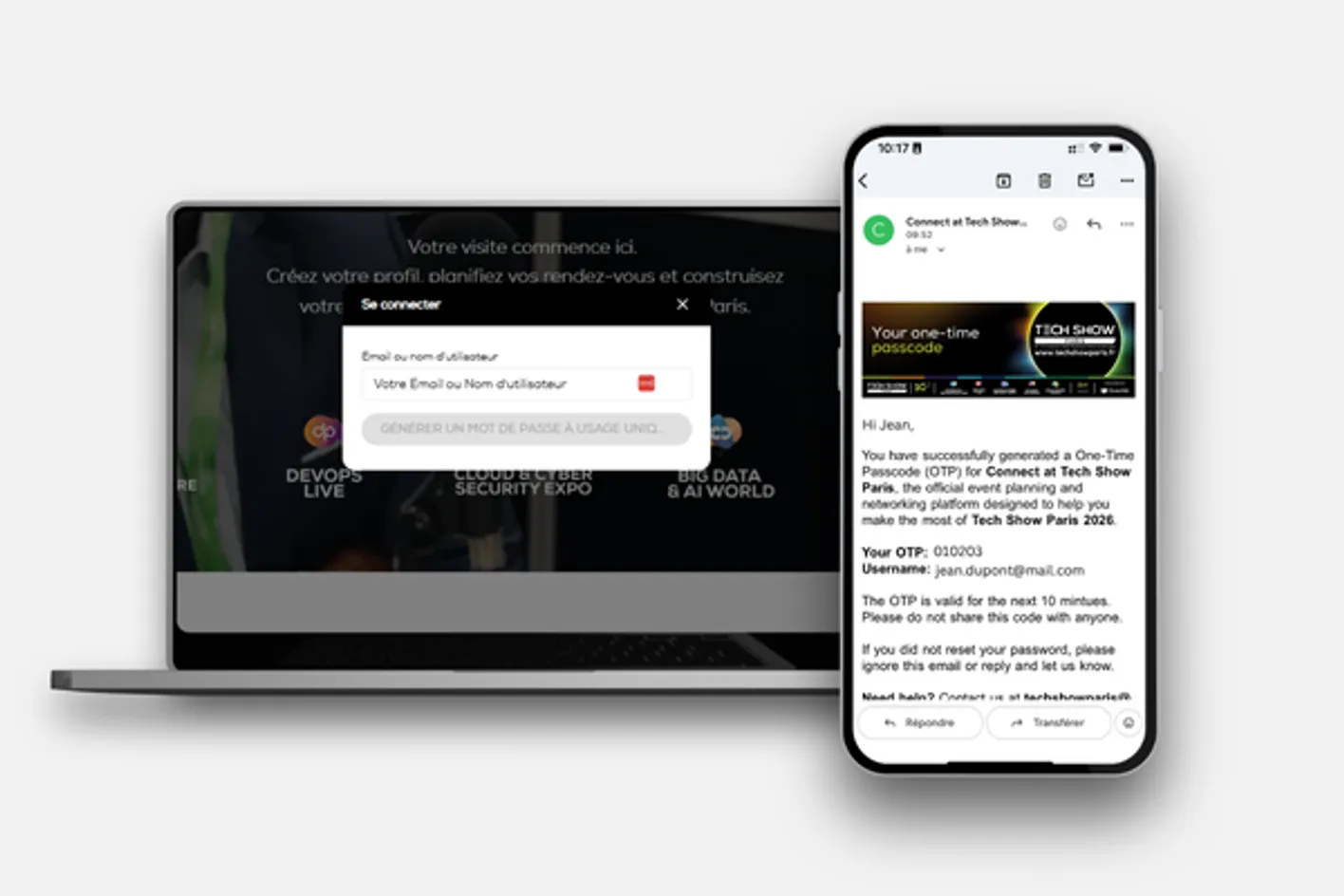
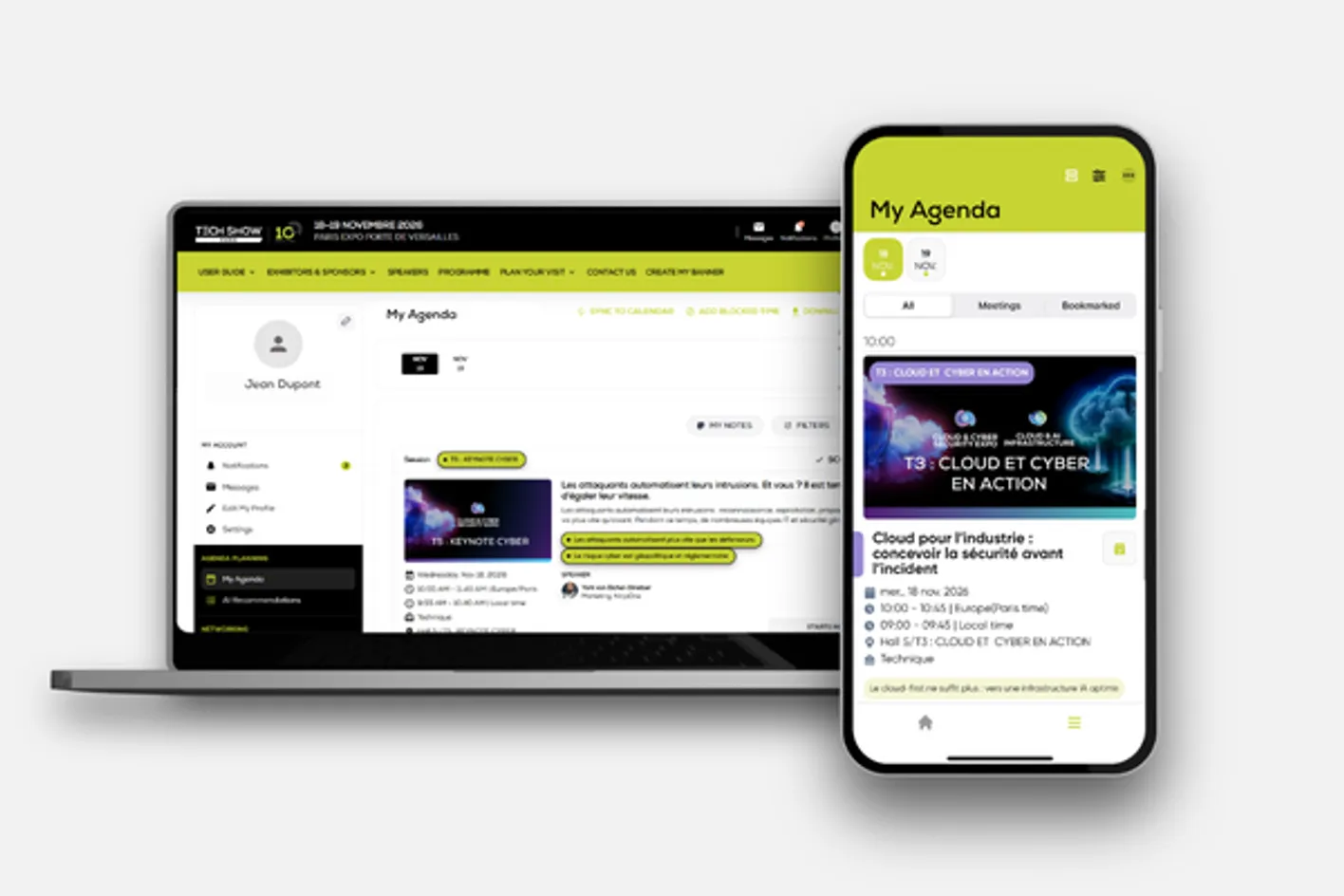
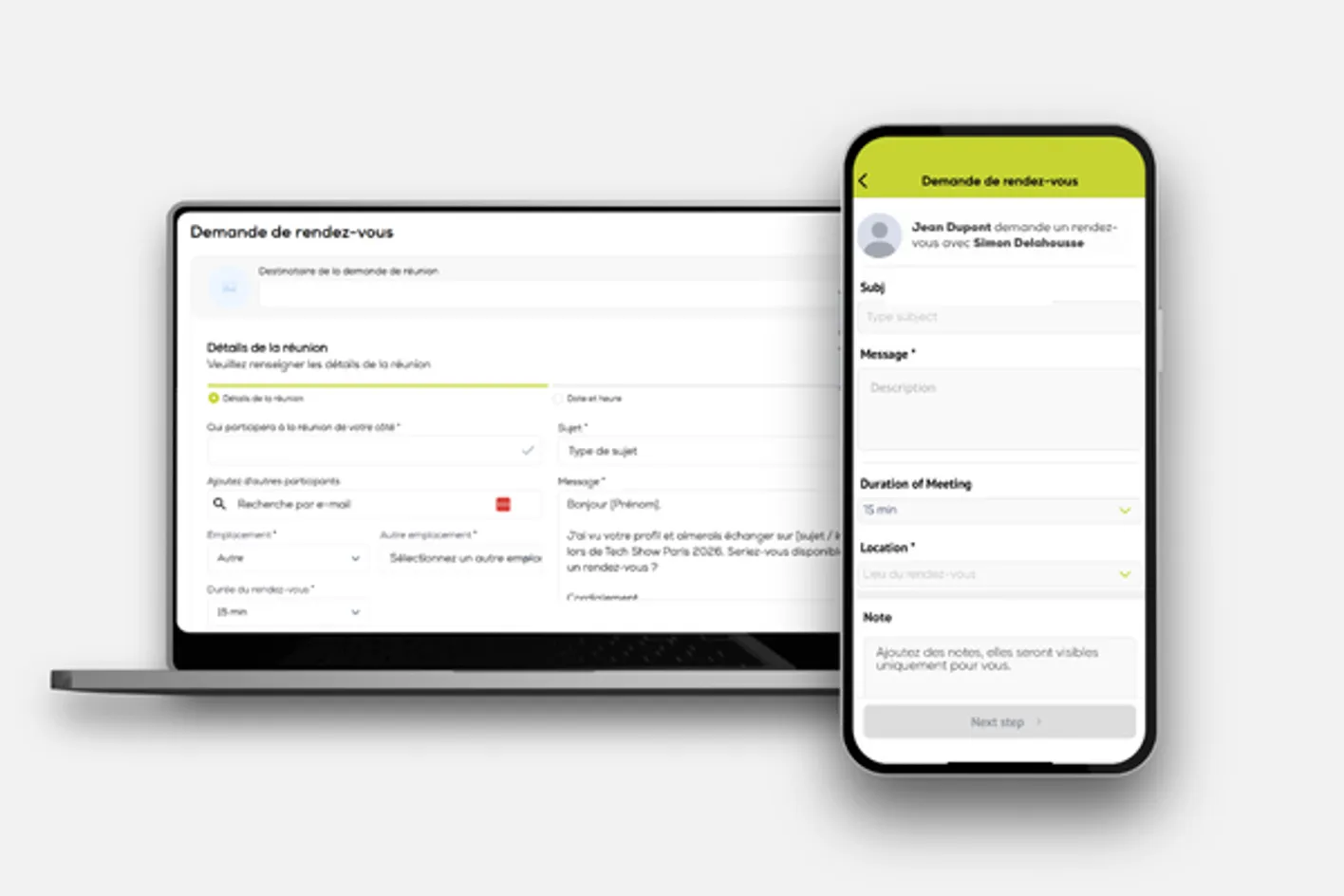
 Requesting MeetingsEach Platinum/Gold/Silver Sponsor badge holder will receive 100 meeting credits to connect with registered attendees across all five co-located events. You can browse the full list of visitors, exhibitors and speakers, then find and filter relevant prospects by job function, seniority, interests and more.
Meeting requests can be sent to eligible profiles*, such as VIPs visitors, press and exhibitors who match your interests. Click Request Meetings in the menu, select the Participants tab and use the filters to narrow your search. We recommend favouriting your prospects before sending meeting requests to make the most of your meeting credits.
*Meeting requests cannot be sent to speaker badge holders.
[VIEW PROFILES]
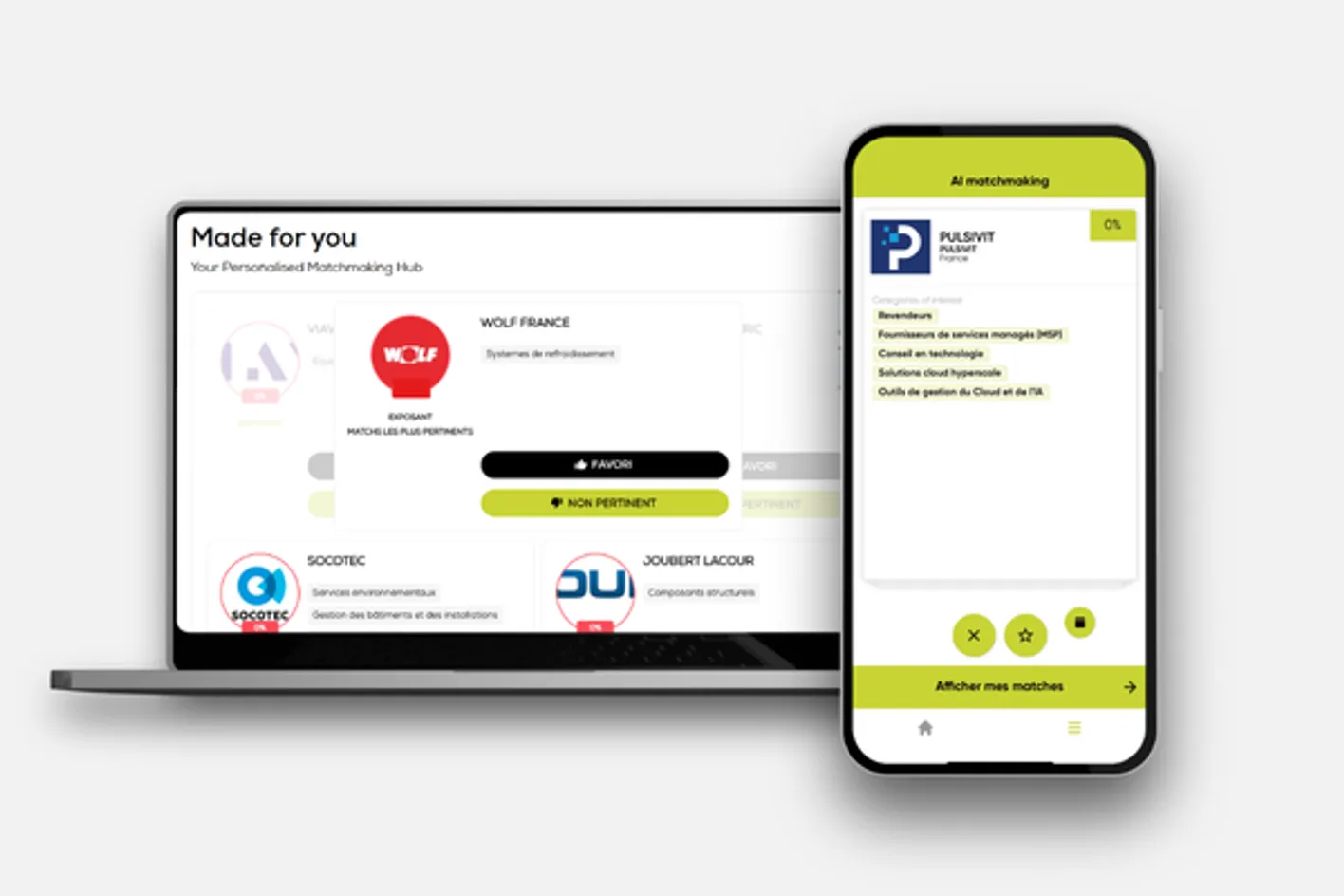 Matchmaking & AI RecommendationsMatchmaking:
Our AI-powered matchmaking tool suggests relevant attendee profiles you may wish to request meetings with. Suggestions are based on your activity on Connect at Tech Show Paris, including the profiles you search for, favourite or request meetings with. As you use the platform, your matchmaking suggestions will become increasingly tailored to your interests.
AI Recommendations:
AI Recommendations suggest conference sessions, speakers, products and exhibitors that may interest you, based on the information in your profile.
Matchmaking focuses on helping you find relevant people, while AI Recommendations help you discover relevant event content and exhibitors.
[VIEW MY AI RECOMMENDATIONS]
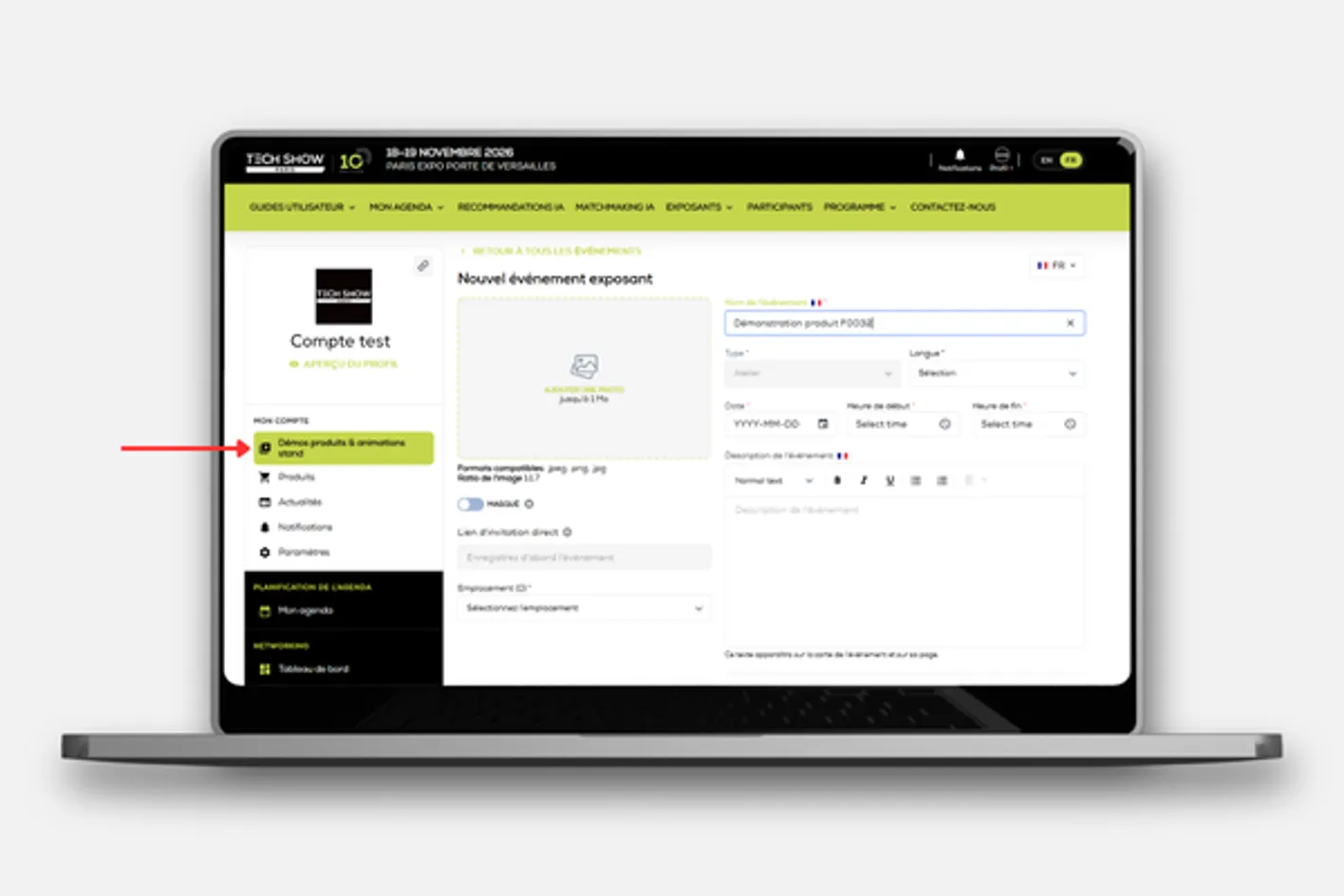 Exhibitor Product Demo & Stand Activations
Promote your products and activities — demonstrations, workshops, competitions or giveaways — and attract more visitors to your stand.
1. Click on Product Demos & Stand Activities.
2. Select add an event and choose the type of event.
3. Upload a photo representing the event and complete all required information, including the event name, description, language, date and time. The location will only become available for selection once these details have been added.
4. Click Save.
The most engaging experiences will be highlighted to visitors.
New this year: visitors and VIPs will be able to vote through the app for the stand offering the Best Stand Experience. The winner will be announced at 3:00 p.m. on the second day of the show. [ADD MY STAND EXPERIENCES]
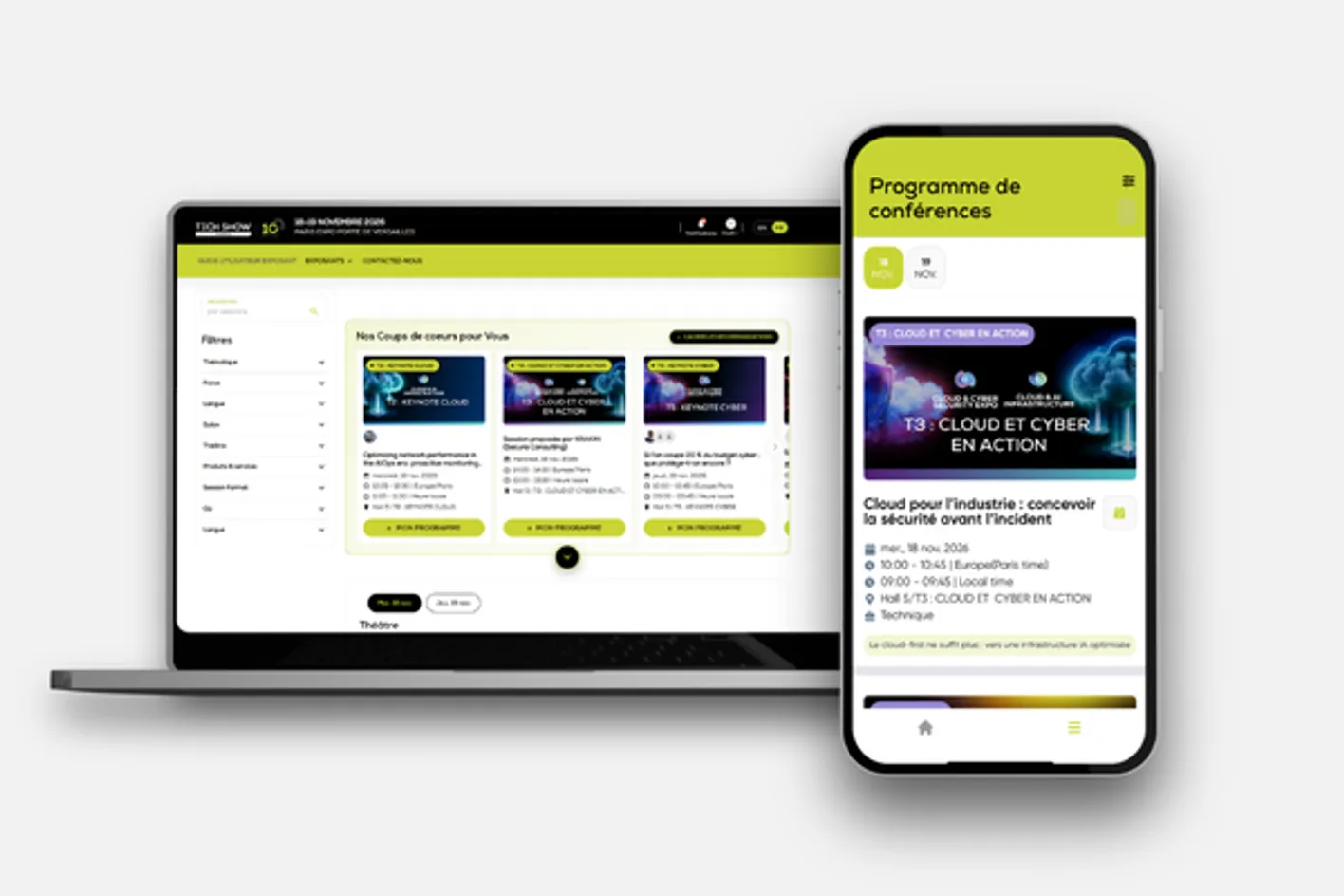 Explore the ProgrammeDiscover the full conference programme and find the sessions most relevant to you through personalised recommendations based on your interests. You can view session details, access each speaker’s profile and add conferences directly to your agenda, creating a personalised schedule for both days of Tech Show Paris.
Filter sessions by:
- Theatre
- Topic
- Session type, including keynotes and panels
- Language: English or French
[VIEW THE PROGRAMME]