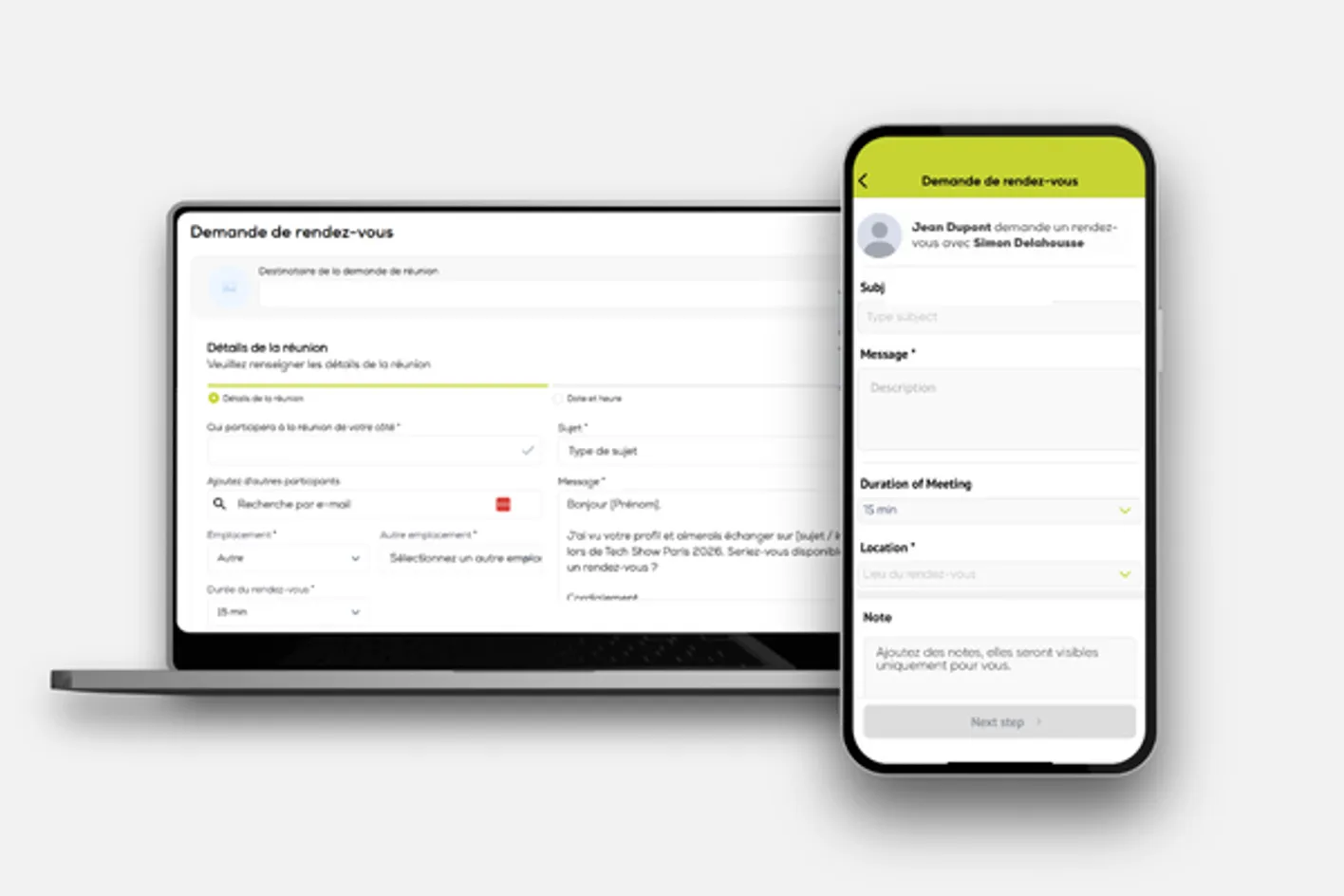
 Requesting MeetingsEach attendee badge holder will receive 50 meeting credits to connect with registered attendees across all five co-located events. You can browse the full list of visitors, exhibitors and speakers, then find and filter relevant prospects by job function, seniority, interests and more before requesting meetings directly through Connect.
Meeting requests can be sent to eligible profiles*, such as exhibitors, sponsors and Commercial Premium badge holders who match your interests. Click Request Meetings in the menu, select the Participants tab and use the filters to narrow your search. We recommend favouriting your prospects before sending meeting requests to make the most of your meeting credits.
*Meeting requests cannot be sent to speakers or other attendees,
[VIEW PROFILES]
 Matchmaking & AI RecommendationsMatchmaking:
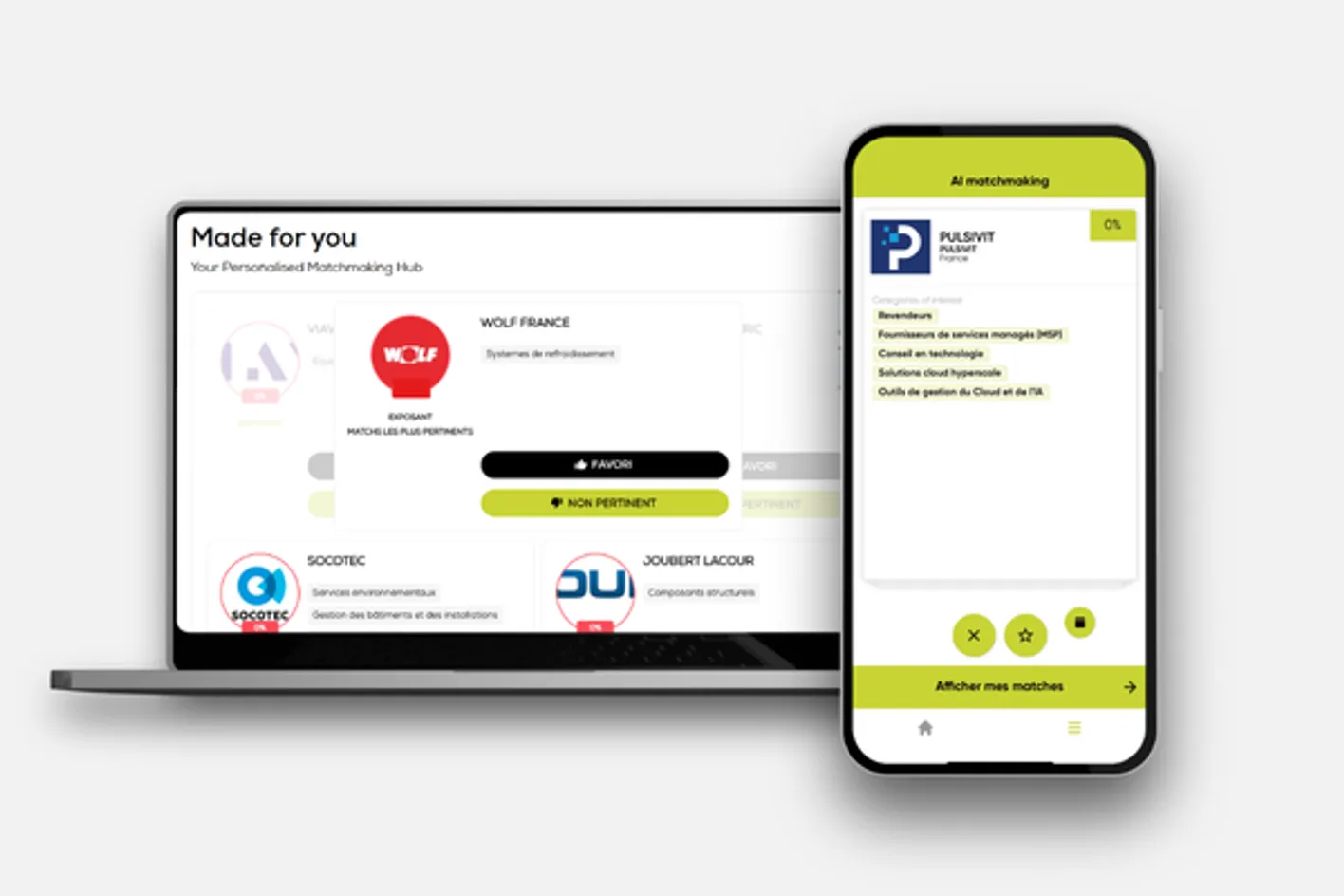
Our AI-powered matchmaking tool suggests relevant attendee profiles you may wish to request meetings with. Suggestions are based on your activity on Connect at Tech Show Paris, including the profiles you search for, favourite or request meetings with. As you use the platform, your matchmaking suggestions will become increasingly tailored to your interests.
AI Recommendations:
AI Recommendations suggest conference sessions, speakers, products and exhibitors that may interest you, based on the information in your profile.
Matchmaking focuses on helping you find relevant people, while AI Recommendations help you discover relevant event content and exhibitors.
[VIEW MY AI RECOMMENDATIONS]
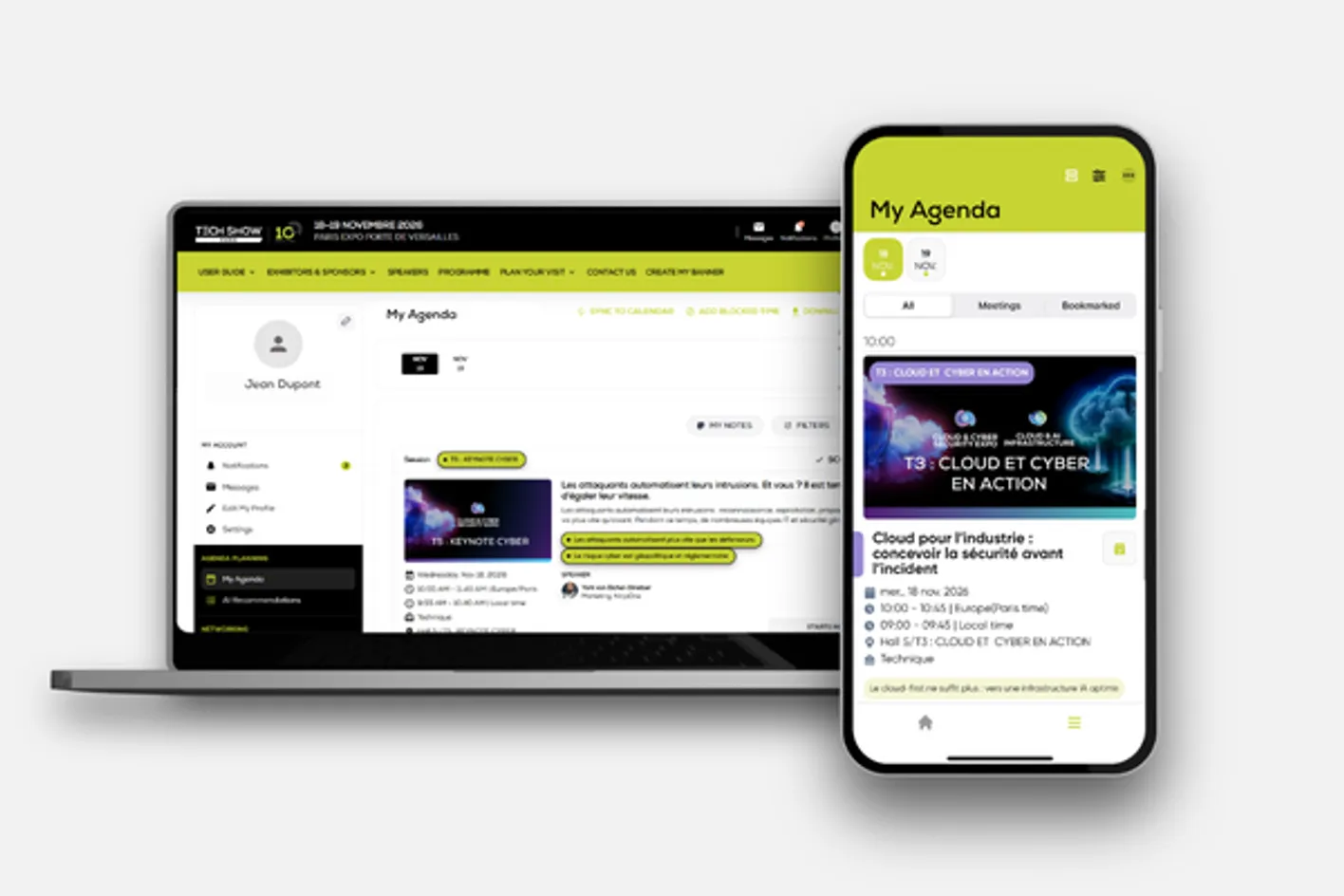
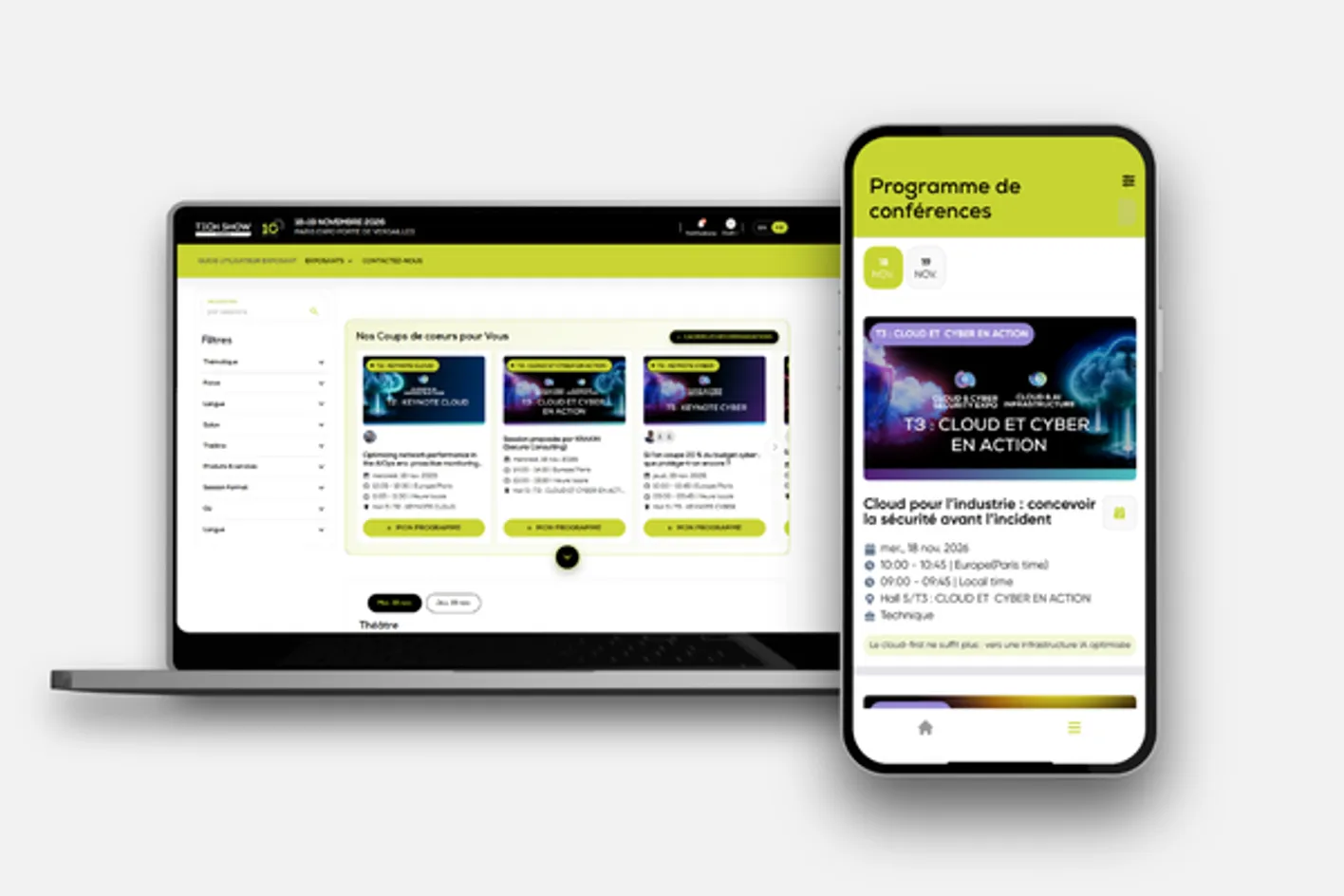 Explore the ProgrammeDiscover the full conference programme and find the sessions most relevant to you through personalised recommendations based on your interests. You can view session details, access each speaker’s profile and add conferences directly to your agenda, creating a personalised schedule for both days of Tech Show Paris.
Filter sessions by:
- Theatre
- Topic
- Session type, including keynotes and panels
- Language: English or French
[VIEW THE PROGRAMME]
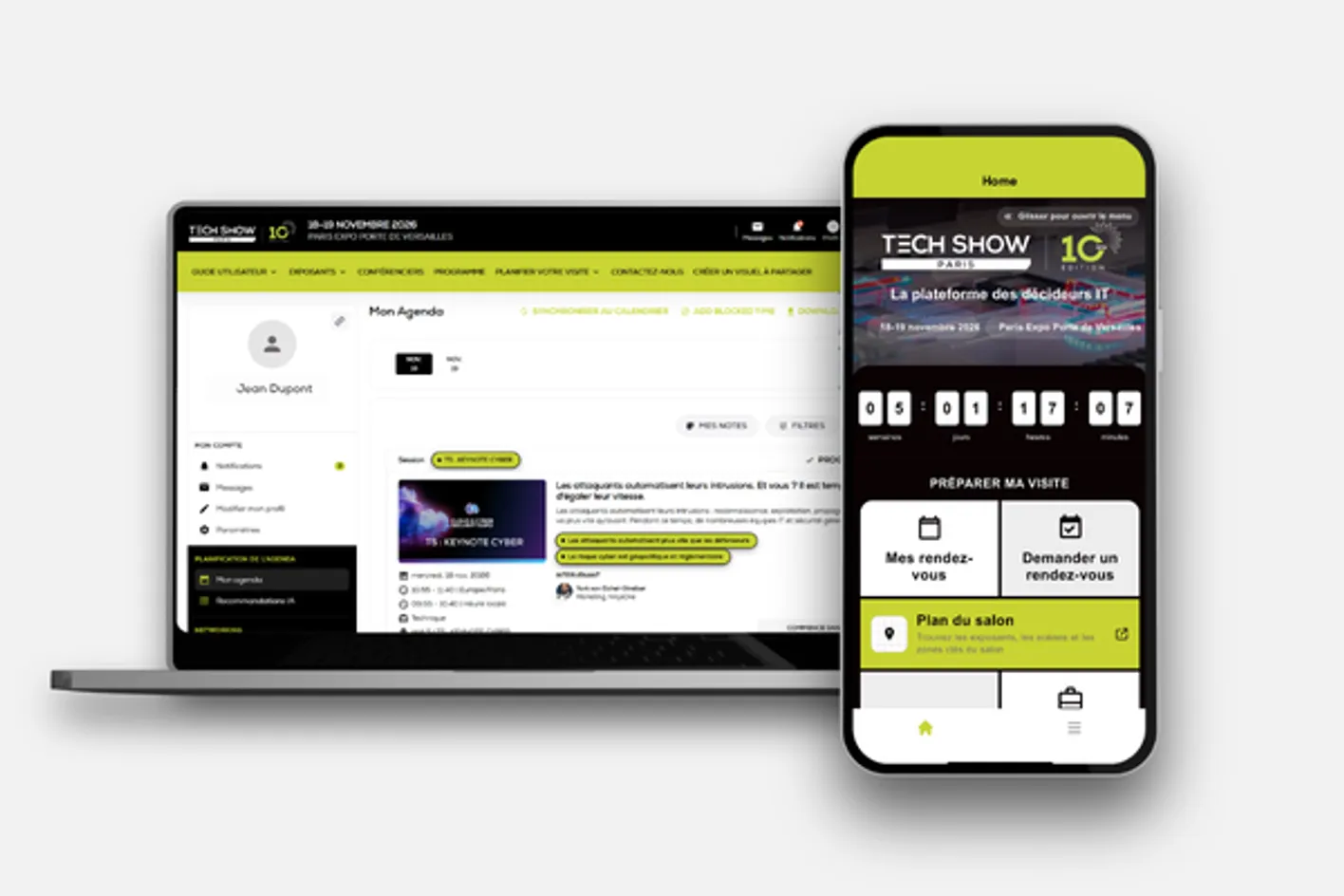 Summary of your benefitsYour visitor badge gives you access to networking opportunities, AI-powered recommendations and the conference programme.
With Connect at Tech Show Paris, you can make the most of your visit by:
- Browsing the full list of visitors, exhibitors and speakers across all five co-located shows.
- Using your 50 meeting credits to connect with registered attendees.
- Identifying the most relevant profiles using filters (job title, seniority, interests, etc.), then sending them meeting requests directly.
- Managing your schedule with meeting reminders and calendar synchronisation.
- Adding exhibitors to your favourites using the interactive show floor plan.